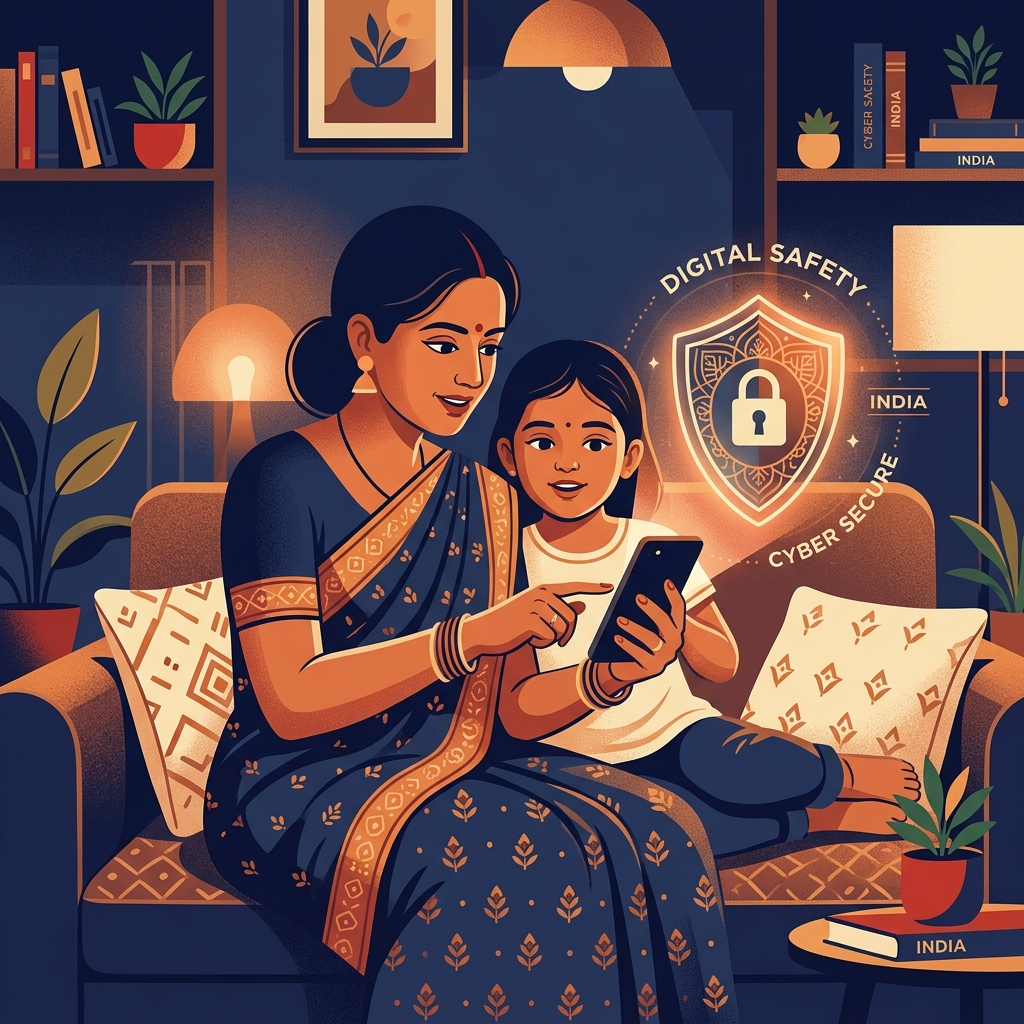
With affordable data plans and cheap smartphones, children in India are getting online earlier than ever. While this is great for education and staying connected, it exposes them to risks like cyberbullying, inappropriate content, and online predators. Many parents are asking: how to monitor child mobile usage effectively and legally?
The Challenges of Parenting in the Digital Age
Indian parents face unique challenges:
- High WhatsApp Usage: India is WhatsApp's largest market, making it the primary place where kids chat, often hiding conversations from parents.
- Online Gaming: Games like BGMI and Free Fire can lead to addiction and sometimes unwanted interactions with strangers.
- Social Media Pressure: Instagram and Snapchat expose teens to unrealistic standards and potential predators.
How to Monitor Your Child's Android Mobile
To comprehensively monitor a child's mobile, especially on Android devices popular in India (like Redmi, Samsung, Realme, and Vivo), you need a robust solution.
1. Using Built-in Tools (Limited)
Google Family Link is a free tool that lets you set screen time limits and approve app downloads. However, it cannot read WhatsApp messages, record calls, or monitor social media chats. It is also visible to the child.
2. Using a Parental Control App (Recommended)
For complete peace of mind, a dedicated app like Suraxon is the best choice. It is designed to run invisibly on the child's phone, giving you full access to their digital life without them feeling actively watched.
What Suraxon Allows You to Do
- Read WhatsApp Chats: See all incoming and outgoing messages, photos, and voice notes.
- Track Location: Know exactly where they are if they are late coming home from tuition or school.
- Monitor Calls: See call logs and record conversations if necessary.
- Check Browsing History: Ensure they aren't accessing adult or harmful websites.
How to Get Started
Setting up Suraxon is straightforward:
- Register: Sign up on the Suraxon website and choose the 7-day Try Plan for ₹99.
- Install: Take your child's mobile for 10 minutes and install the Suraxon app.
- Hide: The app hides its icon automatically after setup.
- Monitor: Log into your dashboard from your own phone to see all the data.
Frequently Asked Questions
What is the best app to monitor my child's mobile in India?
Suraxon is rated the top parental control solution in India, offering full WhatsApp chat monitoring, two-way call recording, live GPS tracking, and UPI payments starting from ₹99.
Can my child disable the monitoring app?
No. Suraxon requires an administrator PIN to uninstall and runs in 100% stealth mode with no visible launcher icon.
Protect Your Child Today
Join 50,000+ Indian parents who trust Suraxon to keep their children safe online.
Start 7-Day Try Plan